Structured Data for AI Search: The JSON-LD That Actually Helps in 2026
Which schema types still matter, which rich results are gone, and how to add validated JSON-LD in Next.js, Astro or plain HTML
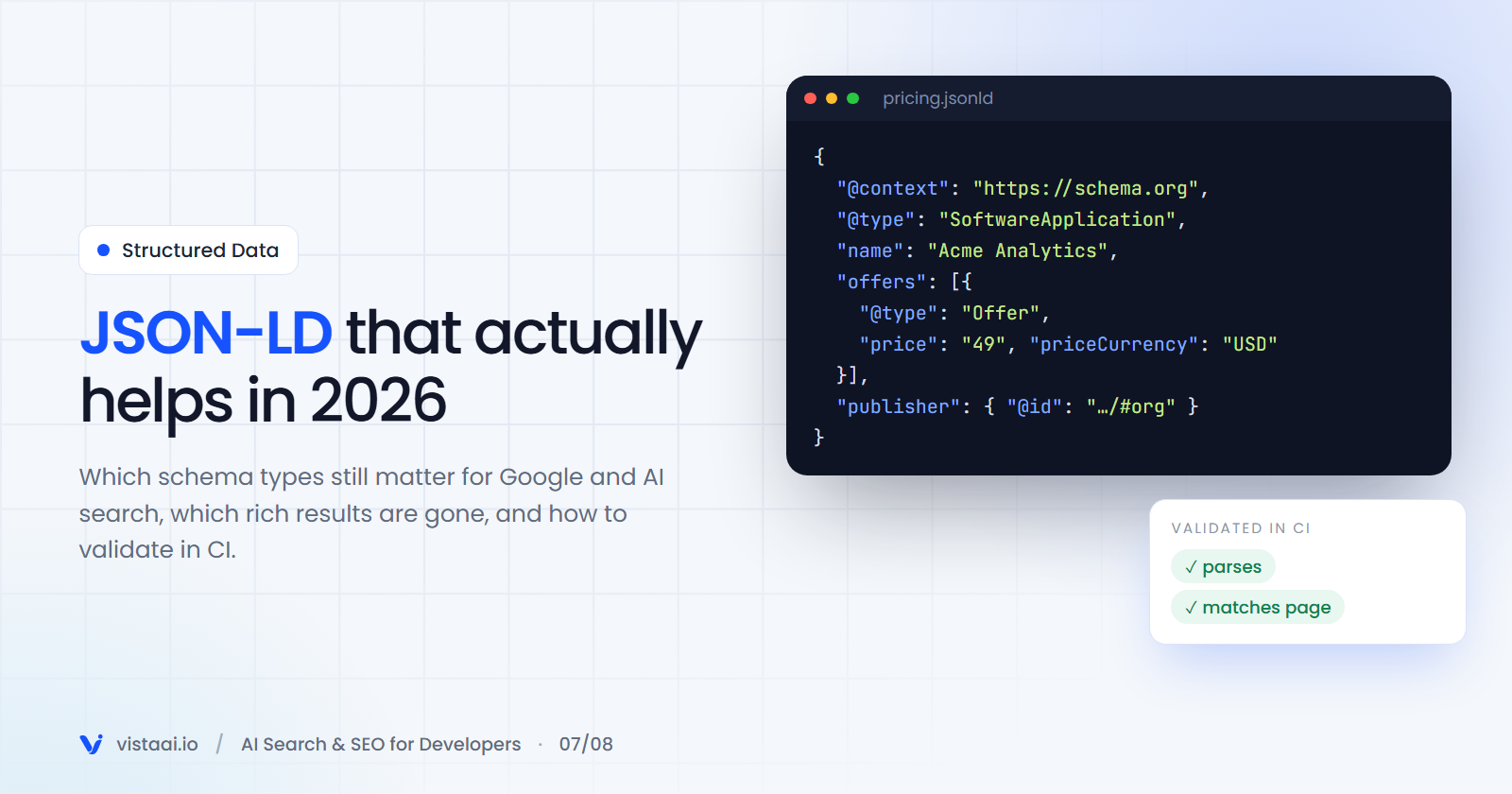
There's a popular claim in GEO circles that you need "AI schema" to appear in AI answers. Google says otherwise: its documentation states that no special schema or AI-specific markup is needed for AI Overviews or AI Mode.
So is structured data pointless for AI search? Also no. JSON-LD remains the most reliable way to state facts about your page in a form machines don't have to guess at: who you are, who wrote this, when it changed, what it costs. Search engines use it for rich results and entity understanding, and a page with clear, consistent facts is harder to misquote.
This post covers which types are worth adding in 2026, what's been retired, and how to implement and validate it without creating new problems.
What structured data does (and doesn't) do
It does:
- make rich results possible (review stars, product info, breadcrumbs, article info),
- state facts explicitly instead of leaving them to be inferred from prose,
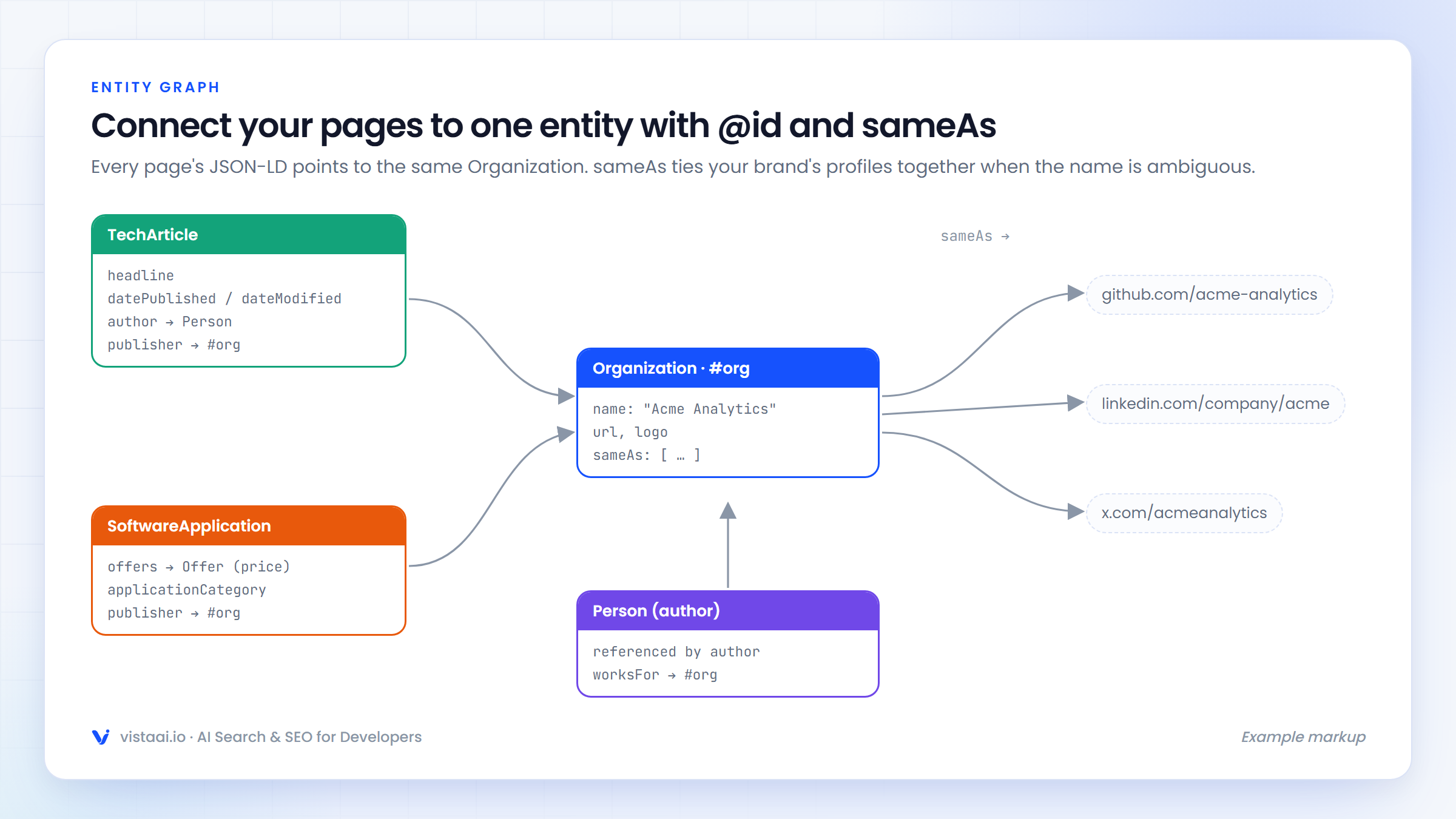
- connect your pages to an entity (your organisation, your author profile) through
@idandsameAs.
It doesn't:
- guarantee rich results (Google decides when to show them),
- get you into AI Overviews by itself,
- fix content that's thin, wrong or hard to read.
Rich results that changed, so you don't waste effort
Two that many tutorials still recommend:
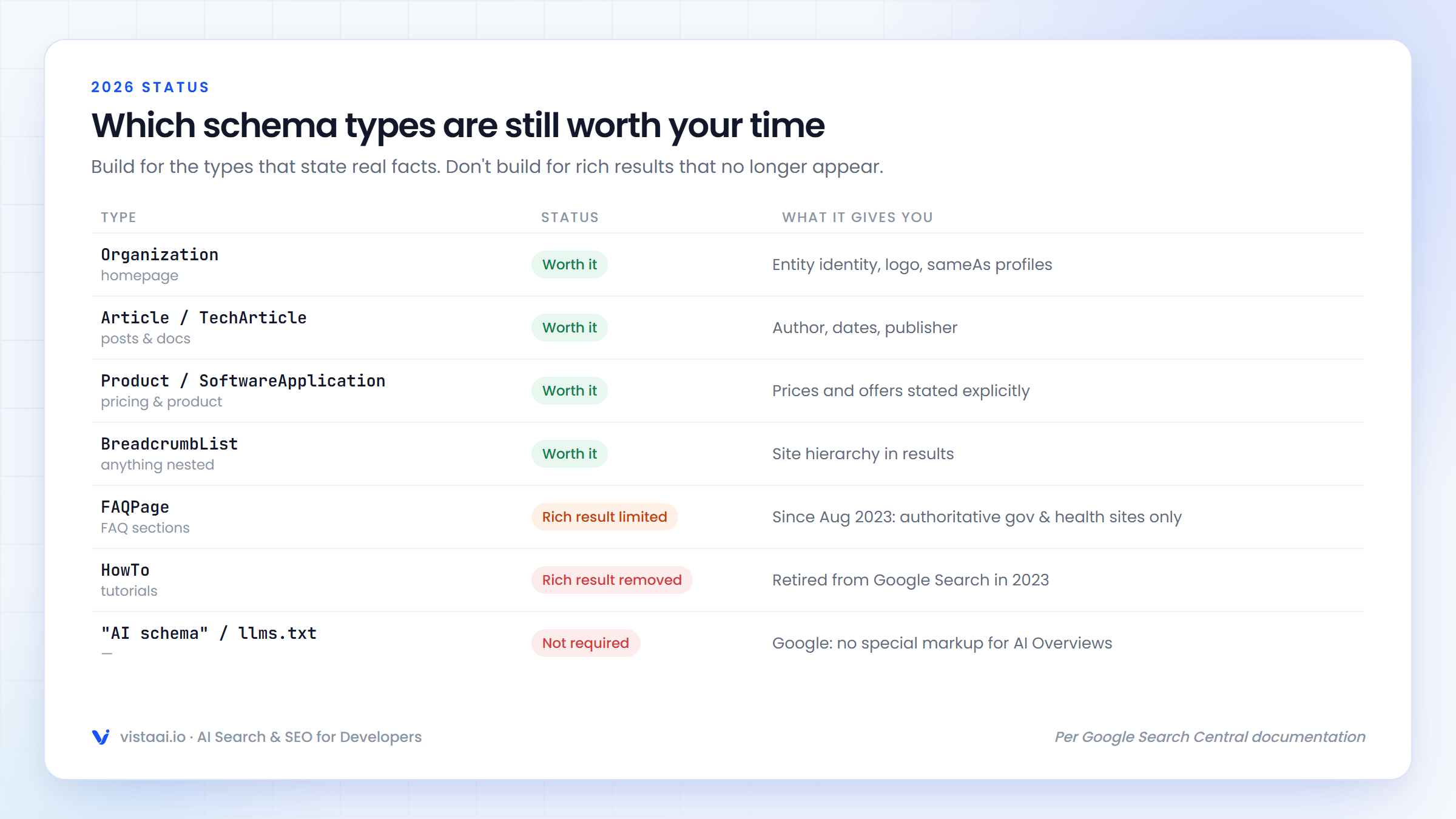
- FAQ rich results have been limited to well-known, authoritative government and health websites since August 2023.
FAQPagemarkup is still valid schema.org, but on most sites it won't produce the expandable FAQ result anymore. - HowTo rich results were removed from Google Search in 2023.
You can keep FAQPage markup if your page genuinely has an FAQ (it's still a clear machine-readable structure), but don't add it expecting a SERP feature.
The types worth implementing
1. Organization (homepage)
Defines your brand as an entity and links your official profiles:
{
  "@context": "https://schema.org",
  "@type": "Organization",
  "@id": "https://acmeanalytics.com/#org",
  "name": "Acme Analytics",
  "url": "https://acmeanalytics.com",
  "logo": "https://acmeanalytics.com/logo.png",
  "sameAs": [
    "https://github.com/acme-analytics",
    "https://www.linkedin.com/company/acme-analytics",
    "https://x.com/acmeanalytics"
  ]
}
sameAs matters for AI search in a practical way. When a model or search engine sees "Acme" on GitHub, LinkedIn and your site, consistent sameAs links help connect those mentions to one entity, which matters if your brand name is ambiguous.
2. BlogPosting / TechArticle (posts and docs)
{
  "@context": "https://schema.org",
  "@type": "TechArticle",
  "headline": "Fixing N+1 queries in Prisma with include",
  "description": "Why findUnique in a loop is slow, and how include and relationLoadStrategy fix it.",
  "datePublished": "2026-09-14",
  "dateModified": "2026-10-02",
  "author": {
    "@type": "Person",
    "name": "Sam Rivera",
    "url": "https://acmeanalytics.com/team/sam-rivera"
  },
  "publisher": { "@id": "https://acmeanalytics.com/#org" },
  "proficiencyLevel": "Intermediate",
  "dependencies": "Prisma 6, Node.js 22"
}
dateModified is the field that most often goes stale. Update it when the content meaningfully changes, not on every deploy.
3. SoftwareApplication or Product with offers (pricing pages)
{
  "@context": "https://schema.org",
  "@type": "SoftwareApplication",
  "name": "Acme Analytics",
  "applicationCategory": "BusinessApplication",
  "operatingSystem": "Web",
  "offers": [
    { "@type": "Offer", "name": "Starter", "price": "49", "priceCurrency": "USD" },
    { "@type": "Offer", "name": "Growth", "price": "199", "priceCurrency": "USD" }
  ],
  "publisher": { "@id": "https://acmeanalytics.com/#org" }
}
Pricing is one of the facts AI answers get wrong most often, usually because an old price is still floating around the web. Correct, current offers on your own pricing page give engines an authoritative source.
4. BreadcrumbList (everything with hierarchy)
{
  "@context": "https://schema.org",
  "@type": "BreadcrumbList",
  "itemListElement": [
    { "@type": "ListItem", "position": 1, "name": "Docs", "item": "https://acmeanalytics.com/docs" },
    { "@type": "ListItem", "position": 2, "name": "SDKs", "item": "https://acmeanalytics.com/docs/sdks" },
    { "@type": "ListItem", "position": 3, "name": "Node.js" }
  ]
}
Implementation: generate it from the same data as the page
The biggest structured data bug isn't a syntax error. It's drift: JSON-LD says $49, the page says $59, because someone updated one and not the other. Generate both from one source.
Next.js (App Router)
// app/pricing/page.tsx
import { plans } from "@/data/plans";   // the same data the pricing table renders

export default function PricingPage() {
  const jsonLd = {
    "@context": "https://schema.org",
    "@type": "SoftwareApplication",
    name: "Acme Analytics",
    applicationCategory: "BusinessApplication",
    operatingSystem: "Web",
    offers: plans.map((p) => ({
      "@type": "Offer",
      name: p.name,
      price: String(p.monthlyPrice),
      priceCurrency: "USD",
    })),
  };

  return (
    <>
      <script
        type="application/ld+json"
        dangerouslySetInnerHTML={{
          __html: JSON.stringify(jsonLd).replace(/</g, "\\u003c"),
        }}
      />
      <PricingTable plans={plans} />
    </>
  );
}
Two details:
- This renders in a Server Component, so the JSON-LD is in the raw HTML. JSON-LD injected client-side has the same problem as any client-rendered content: crawlers that don't run JavaScript won't see it.
- The
replace(/</g, "\\u003c")escapes<so a value containing</script>can't break out of the tag. Next.js's own docs recommend this pattern.
Astro
---
import { plans } from "../data/plans";
const jsonLd = { "@context": "https://schema.org", "@type": "SoftwareApplication", /* … */ };
---
<script type="application/ld+json" set:html={JSON.stringify(jsonLd)} />
Hashnode, Ghost and other hosted platforms
Hosted blogging platforms, Hashnode included, generate basic article metadata for posts automatically. You usually don't need to add BlogPosting yourself. Put your effort into the Organization and Product markup on your main site, which the platform can't do for you.
Validate in CI, not just once
Add a check that fails the build if JSON-LD is missing or doesn't parse:
// scripts/check-jsonld.mjs
import { readFileSync } from "node:fs";
import { globSync } from "glob";

let failed = 0;
for (const file of globSync("out/**/*.html")) {
  const html = readFileSync(file, "utf8");
  const blocks = [...html.matchAll(/<script type="application\/ld\+json">([\s\S]*?)<\/script>/g)];
  for (const [, raw] of blocks) {
    try {
      const data = JSON.parse(raw);
      if (!data["@context"] || !data["@type"]) throw new Error("missing @context/@type");
    } catch (e) {
      console.error(`${file}: invalid JSON-LD – ${e.message}`);
      failed++;
    }
  }
}
process.exit(failed ? 1 : 0);
This catches syntax problems. It doesn't catch semantic ones (wrong property names, missing required fields for a rich result), so also run key templates through the Schema.org validator and Google's Rich Results Test after template changes.
Common mistakes
- Markup for content that isn't on the page (reviews nobody can see, FAQs hidden from users). This violates Google's structured data guidelines.
- Self-serving review stars on your own organisation or product. Google doesn't show these for the entity itself.
- Stale
dateModified, or bumping it on every deploy without changing content. - AI-generated JSON-LD nobody checked. Google's guidance on AI content explicitly says to review structured data generated by AI. Hallucinated prices and fake
sameAsURLs are common. - Multiple conflicting Organization blocks from different plugins.
Checking how AI engines read the result
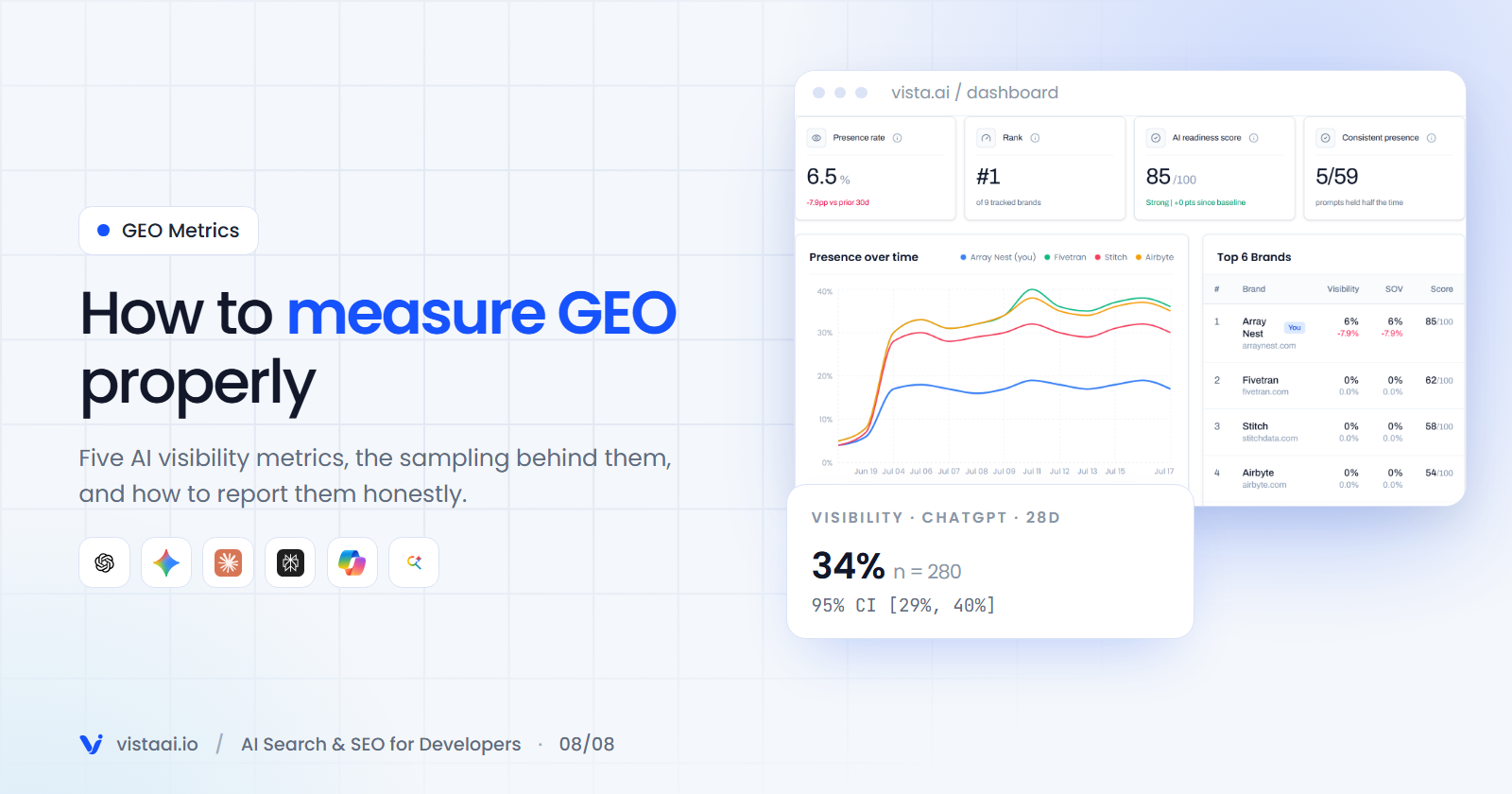
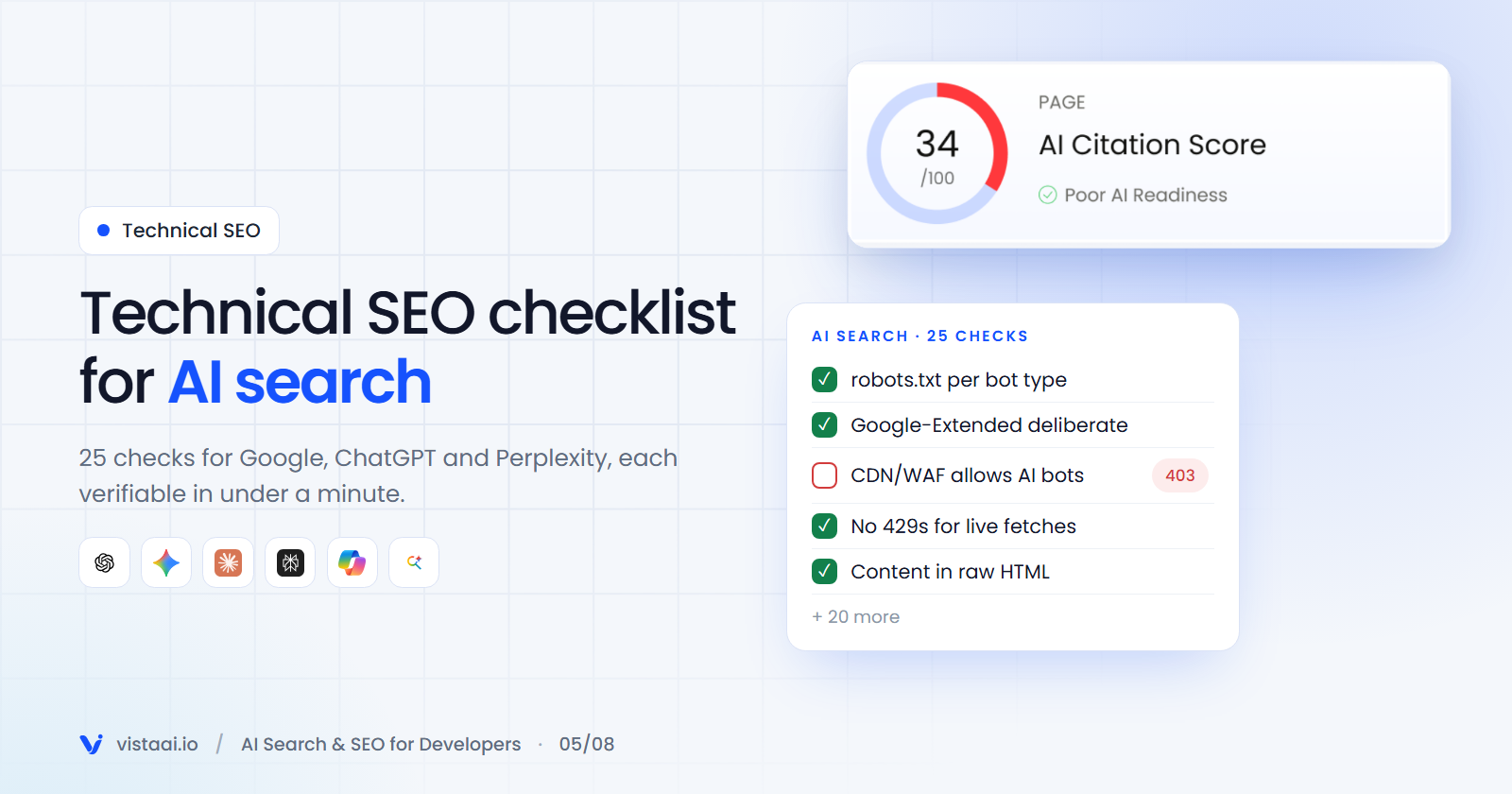
Structured data is one input into how engines understand a page. To see the whole picture (crawlability, extraction, schema, trust signals) and how it compares with competitors' pages, Vista AI's Page Audit scores a URL on AI Visibility, AI Understanding and AI Citation, including a schema check, and lists prioritised fixes.
Key takeaways
- No special "AI schema" exists or is required. Standard JSON-LD still helps engines read your facts.
- Prioritise Organization, Article/TechArticle, Product/SoftwareApplication with offers, and BreadcrumbList.
- FAQ and HowTo rich results are mostly gone. Don't build for them.
- Generate JSON-LD from the same data as the visible page, render it server-side, and validate in CI.
About the author
- I’m the co-founder of Vista AI, an AI Search Visibility and GEO platform helping businesses understand how their brands appear across ChatGPT, Gemini, Claude, Perplexity, and other AI search engines. I write about AI search, GEO, SEO, SaaS, and the future of search.
Comments
Join the discussionReally interesting read! Structured data has always been important for helping search engines understand content, but its role in AI-powered search makes it even more valuable. I especially like the idea of making information easier for AI systems to interpret rather than relying only on keywords. It’s a good reminder that creating useful content is only part of the equation—how that content is structured and presented also matters. Definitely an area worth paying more attention to as search continues to evolve!